How Do You Create a Farm Dashboard That Tells You What Matters in 60 Seconds?
 Enable Ag
You open your farm dashboard.
There are graphs. There are numbers. There’s a colourful pie chart.
But none of it answers the only question that matters:
“What do I need to act on today?”
Too many farm dashboards are built for reporting, not running the business. You get six tabs of data and zero clarity. Nothing jumps out. Nothing tells you what’s off track.
That’s not a dashboard. That’s a spreadsheet in disguise.
Here’s how to build one that gives you the right answers in 60 seconds — no scroll, no fluff, no analysis paralysis.
First: Stop Trying to Track Everything in Your Farm Dashboard
Most dashboards fail because they try to be complete. Every task, cost, and record. It all sounds useful — until it drowns out the stuff that actually matters.
Start by deciding what not to track.
You don’t need a dashboard for things that:
- Don’t change often
- Can’t be acted on quickly
- Don’t affect this week’s decisions
Dashboards are not databases. They’re control panels. If it’s not a decision trigger, it doesn’t belong there.
If you wouldn’t change something based on the number, don’t display it.
Three Questions Your Farm Dashboard Should Answer Instantly
- What needs attention today?
Tasks due. Jobs flagged. Safety issues. Maintenance alerts. Anything that requires action now.
- What’s falling behind?
Overdue jobs. Recurring tasks not done. Gaps in records (like missing spray logs or skipped inspections).
- Where is the risk?
Compliance gaps. Unresolved safety issues. High-spend activities. Poor performance indicators.
If your dashboard doesn’t answer those three questions fast, it’s probably showing the wrong data.
Choose Signals — Not Stats
You don’t need raw numbers. You need signals. Examples:
🟢 Good signal: “2 jobs overdue more than 3 days”
🔴 Bad signal: “74 tasks completed in the last 30 days”
🟢 Good signal: “Last chemical application missing record”
🔴 Bad signal: “Compliance rating 78%”
🟢 Good signal: “Maintenance log overdue for 1 vehicle”
🔴 Bad signal: “8 service entries logged this month”
Signals point to action. Stats point to… nothing, unless you dig.
Your dashboard should show the alarm bell, not the full fire history.
Keep It Visible, Not Buried
If you have to dig into four menus to find your “dashboard,” it’s already failed. Dashboards should be:
- On your home screen
- Short enough to view without scrolling
- Clear enough to scan in a ute or office
- Shared (if needed) with your team or second-in-command
If it’s only visible to you, it becomes another bottleneck. Build it to be shared — even if you’re off-farm.
Use Visual Cues That Don’t Need Explaining
No one has time to interpret colour-coded bar graphs.
Use:
- ✅ Green = good
- ⚠️ Yellow = worth watching
- ❌ Red = action required
And don’t overdo it. Five signals max. If everything’s red, nothing gets attention.
You’re aiming for calm urgency. Clarity that helps you act without panic.
What NOT To Put On Your Farm Dashboard
Avoid anything that looks impressive but adds no clarity:
- Historical job stats
- Input usage over time (unless it’s abnormal)
- Labour hours per paddock
- Compliance graphs with no clear pass/fail point
- Generic “activity feed” logs
Ask: would you act differently based on this number?
If not, drop it. You can always add it to a report later.
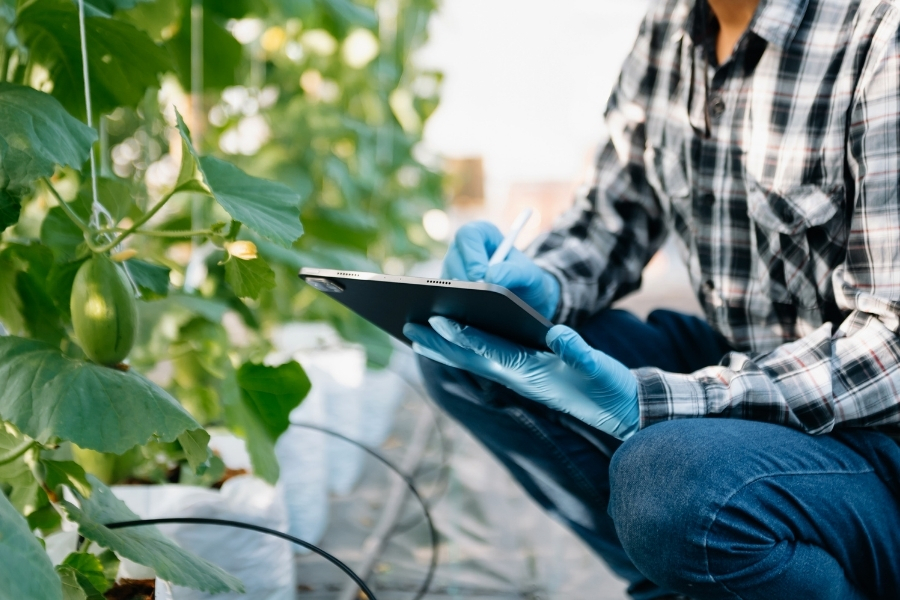
Make It Useful For You — And Your Second-in-Command
You’re not the only one who should benefit from the dashboard. A good setup also helps:
- Senior staff make decisions without waiting
- New team members see what matters quickly
- The business keep moving if you’re off-site or away
If your dashboard makes others less dependent on you, it’s doing its job.
Don’t Wait for the Perfect Farm Dashboard
You don’t need a perfect dashboard. You need a working one.
Start simple:
- Overdue jobs
- Today’s tasks
- Safety issues
- Maintenance due
- One risk signal (e.g. missing records)
Then review it after a week. What got ignored? What helped? Adjust.
A working dashboard is better than a beautiful one that no one uses.
Want to Cut the Noise and Stay Focused?
The right dashboard helps you act faster — and stress less.
If you’re after more simple, no-fluff tools like this, join the Enable Ag newsletter.
You’ll get:
- Real examples from other farms
- Practical guides for better decisions
- Straight-talking advice, no jargon
Less noise. More action.
If you found this article helpful, share it with your network to help others unlock their farming potential. Don’t forget to like and follow us on social media for more insightful tips: Facebook, Instagram, and LinkedIn. Let’s empower more farmers together!

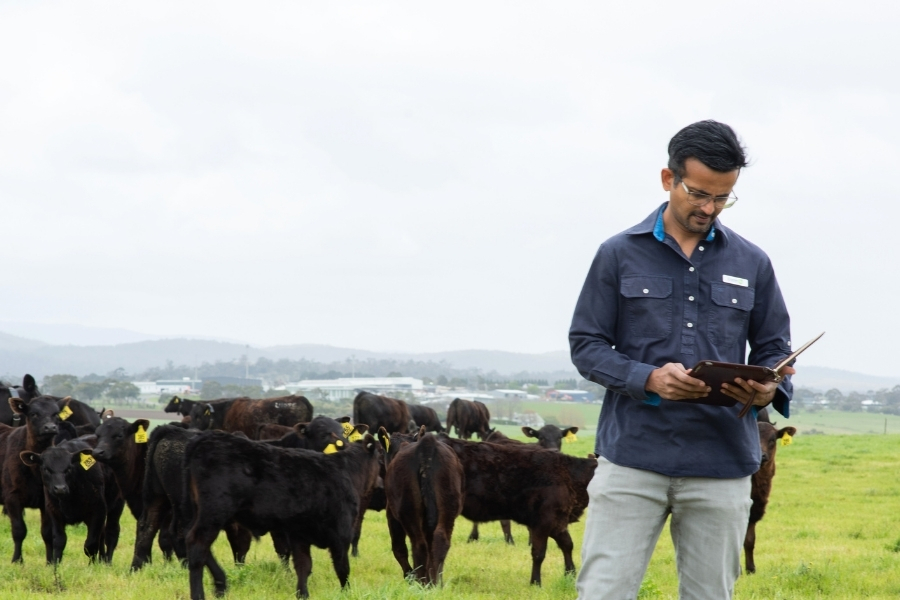
Ram is the founder and director of Enable Ag an agriculture consultancy dedicated to helping farmers across Australia create the time and freedom they deserve after generations of hard work. Enable Ag’s ‘Time-Freedom Program‘ is a new and unique approach that empowers farmers to reclaim their time by implementing tailored strategies, systems, and support to optimise their farm operations and achieve a more balanced lifestyle.
 Enable Ag
 Enable Ag
 Enable Ag
 Enable Ag
 Enable Ag
 Enable Ag